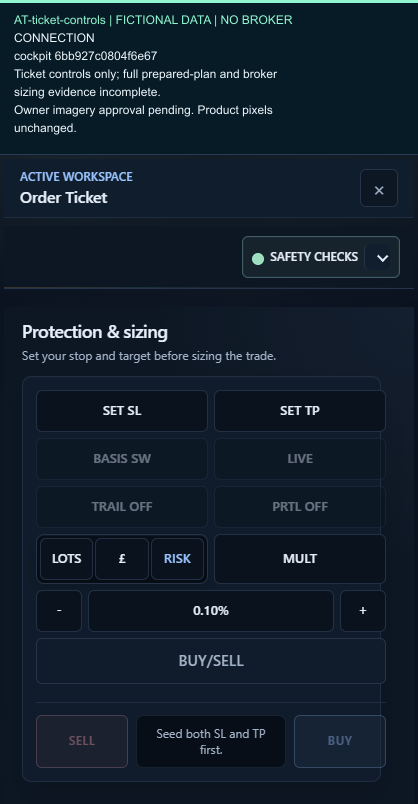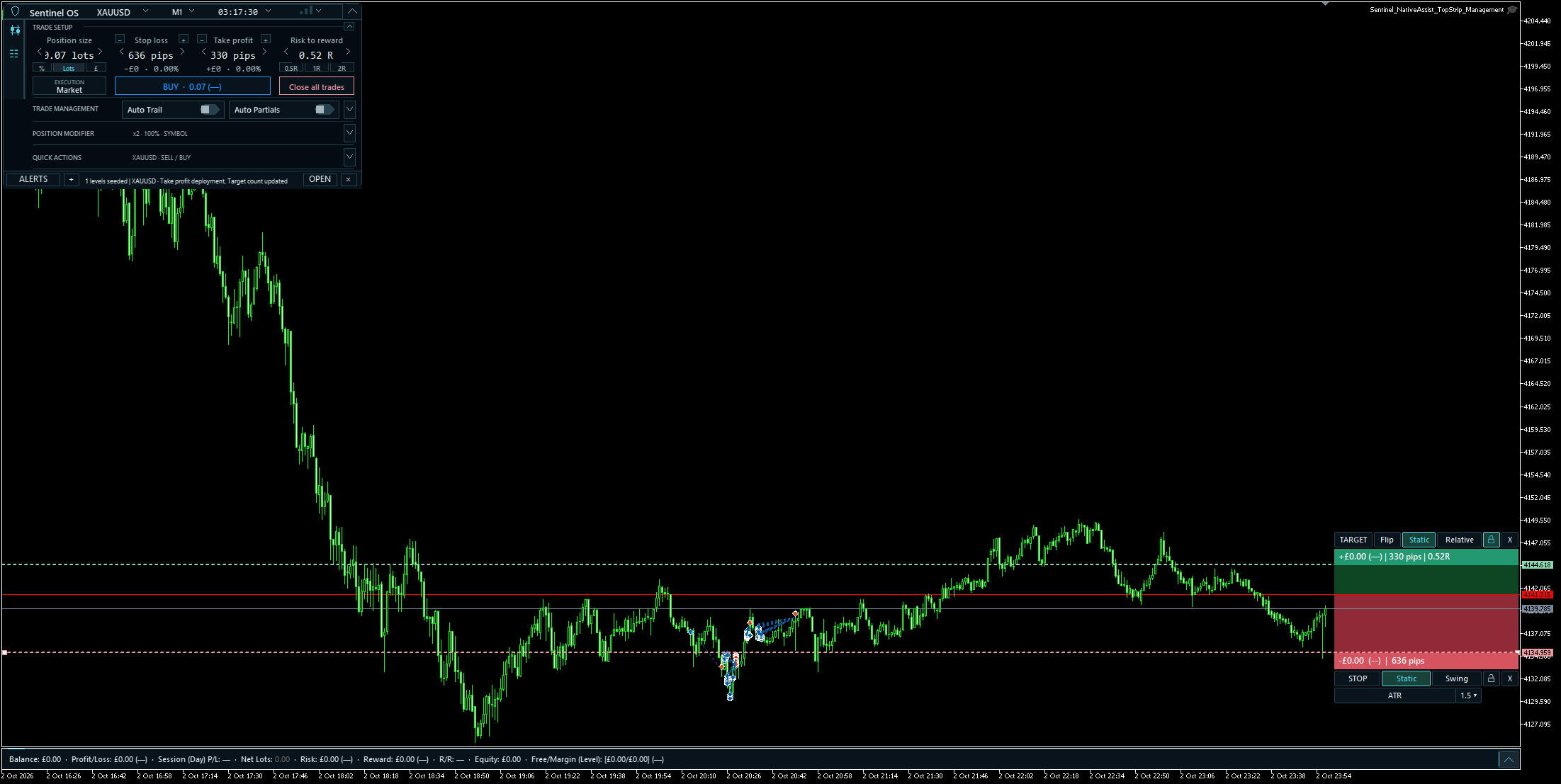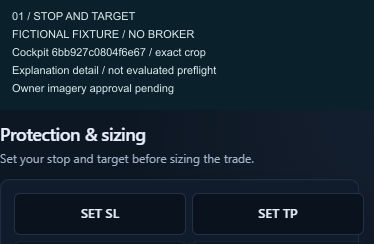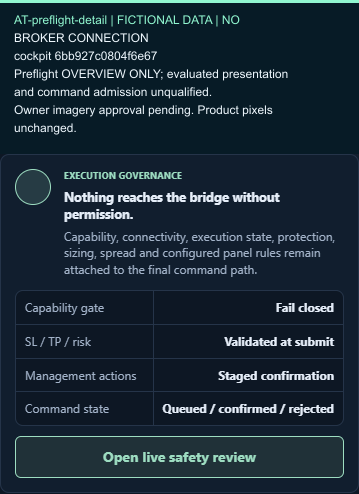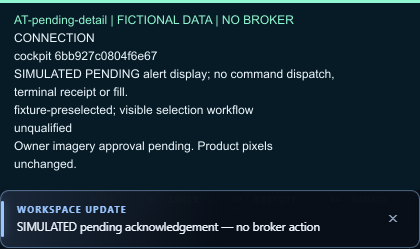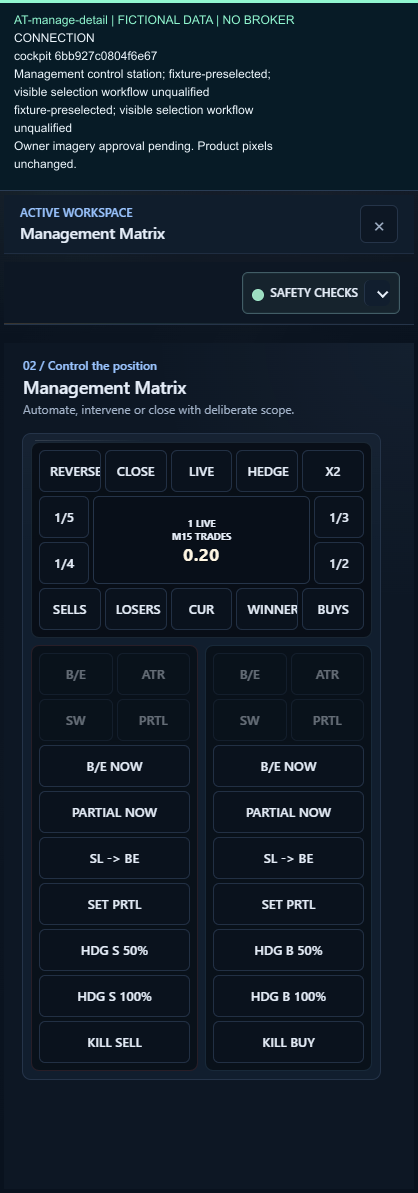

Keep the trade in one workspace.
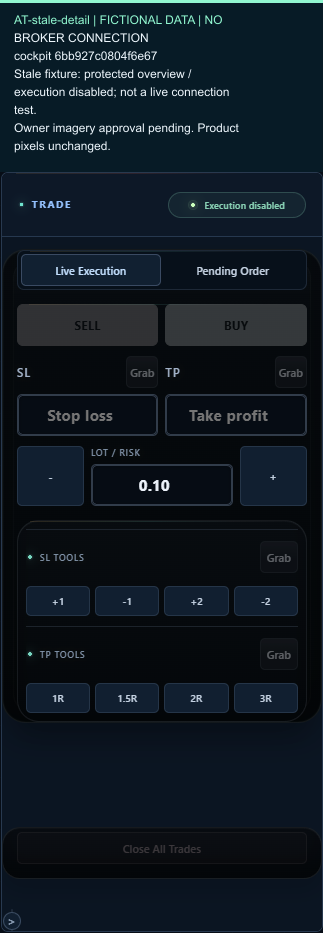
Whether you’re just starting to learn about trading or already have years of experience, Sentinel brings trade planning, supported trade-management tools and account information together beside your chart. The wider development programme also includes tools for reviewing your trades.
- Planning and supported controls in the terminal
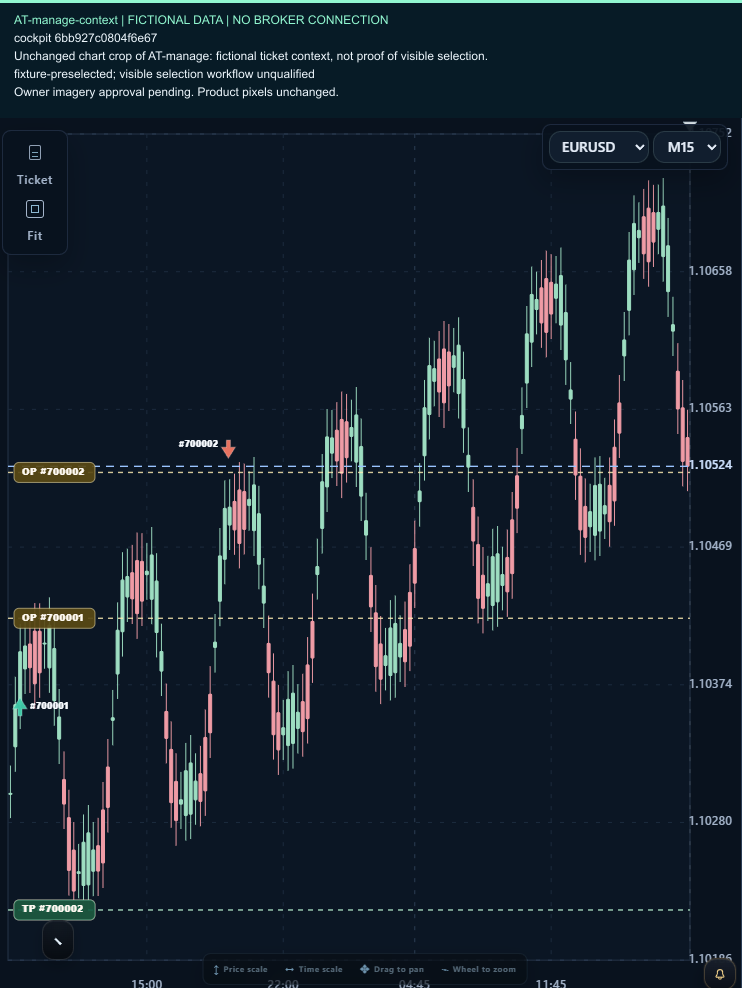
- Management beside the position
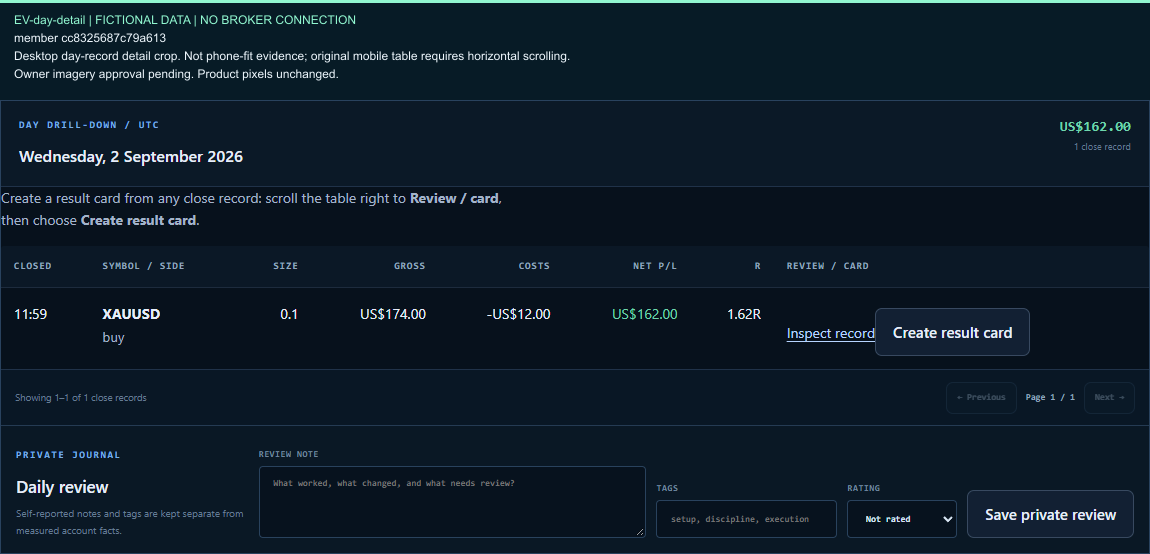
- Context for later account and trade review
You choose the plan and the rules; the available controls depend on the platform and build.
Details & platform scope
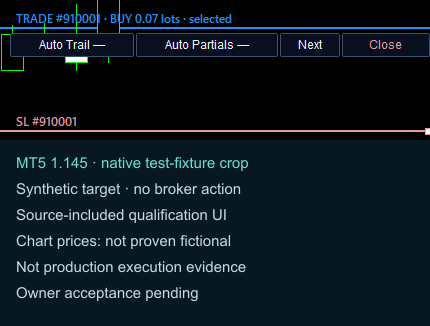
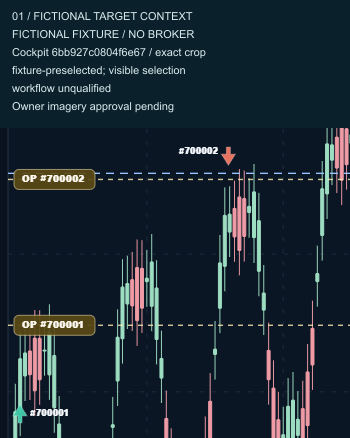
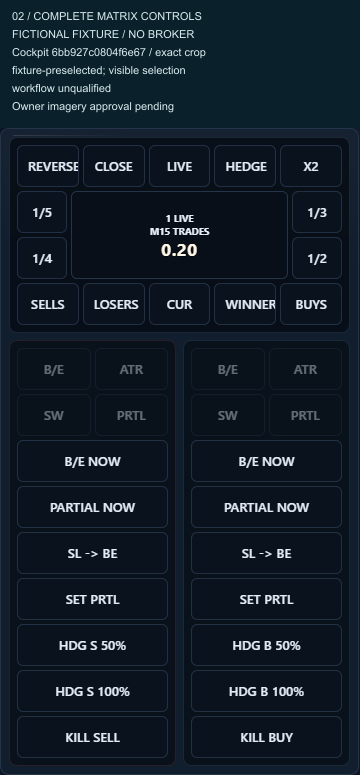
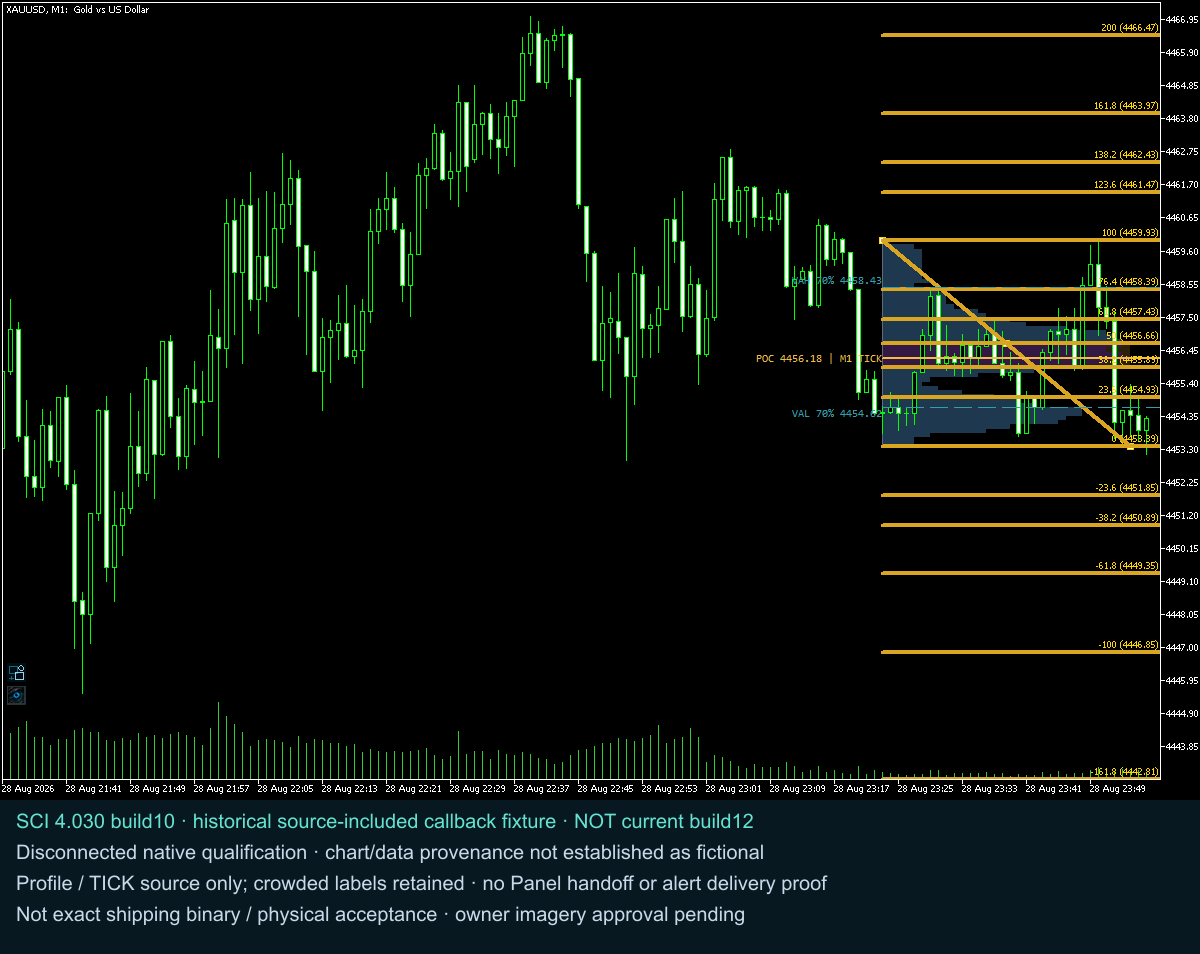
Stay close to the chart while working through the trade. Sentinel’s native panels bring planning, account context and supported trading controls into the terminal, with dedicated views for managing positions and reviewing their history. The broader MT5 workflow is being developed around a shared plan, so the intent behind an entry can remain connected to its management policy and later review.
The MT4 reference also includes chart-scoped settings export/import, chart hide/restore and organisation controls, and optional hotkeys that are off by default. Settings checks and hotkey support belong to that build; they do not grant trading authority or establish MT5 parity.
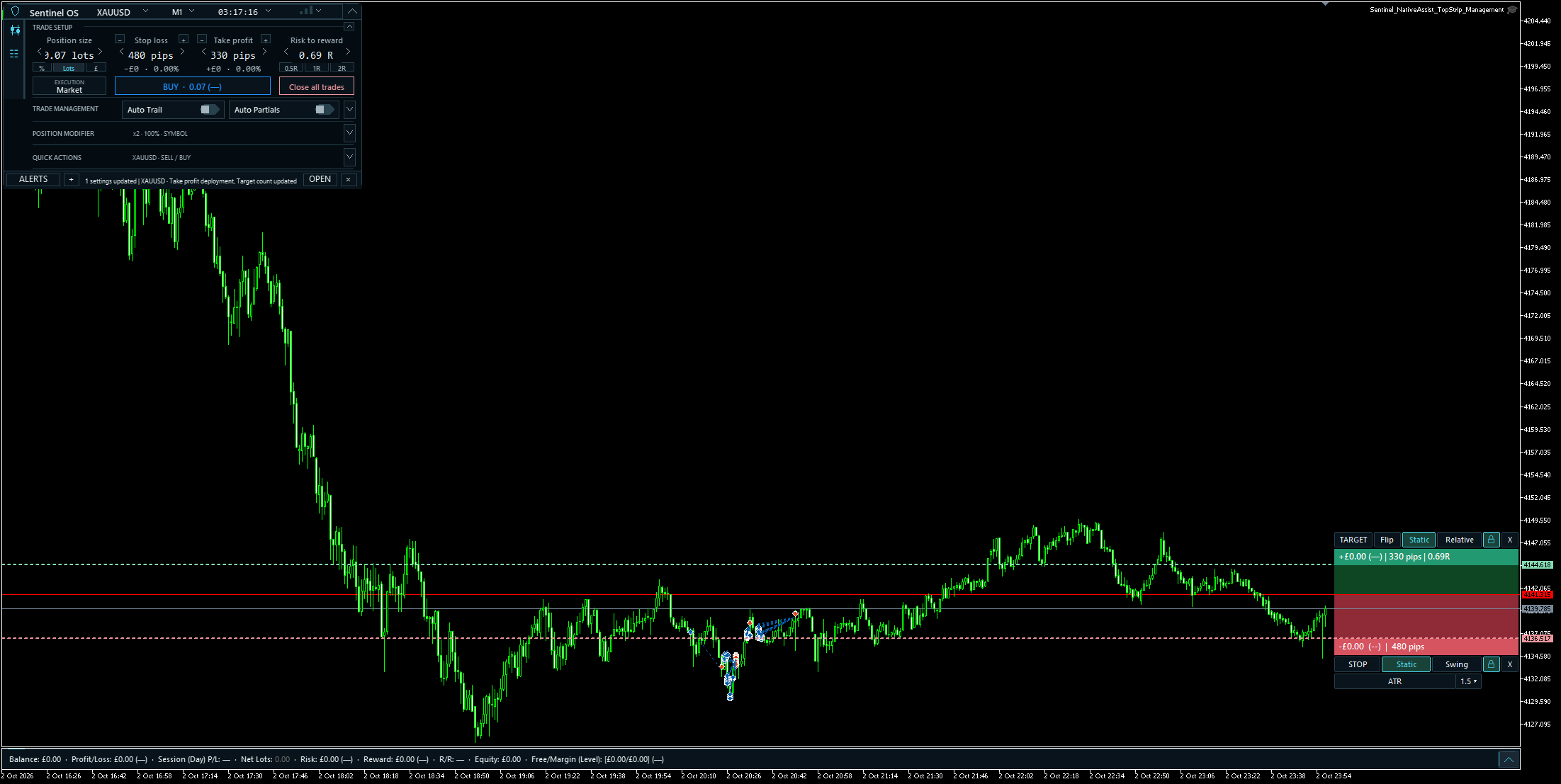
Swipe to inspect the enlarged controls.